Block Puzzle4.2.1
Publisher Description
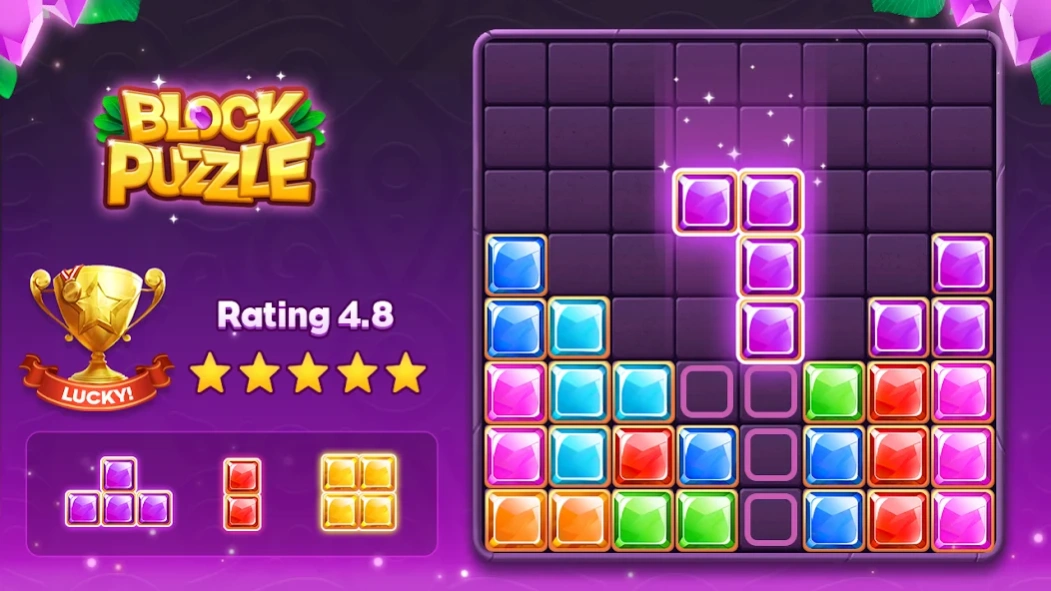
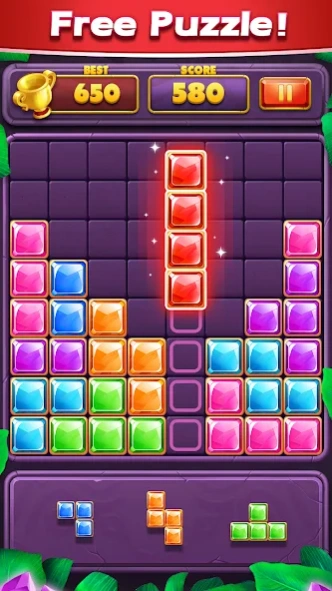
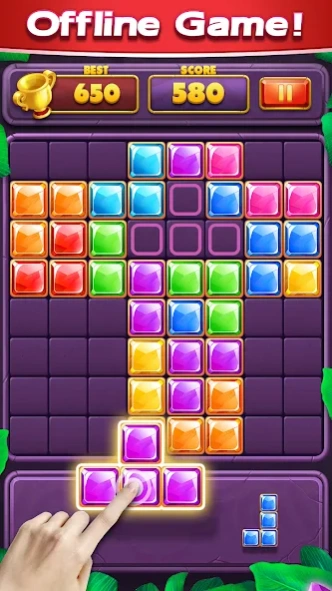
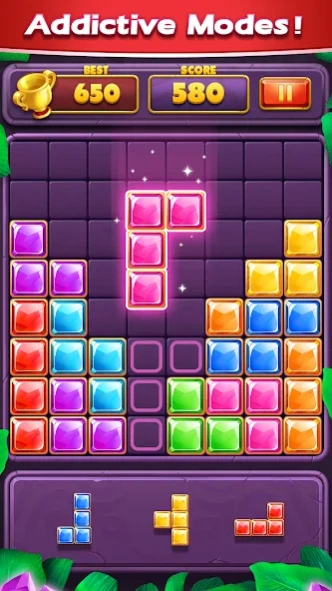
Fill the board with tetris blocks,easy to begin, yet challenging to master!
👍Block Puzzle Games --- Find new fun from classic!👍
❤️Offline and FREE game! Play it anytime, anywhere!
❤️Kill time - You need it when waiting for friends!
❤️Easy - Suitable for all ages!
❤️Relax - Stay away from work for a while!
❤️Brain test - Just only a joke!
👉How to play Block Puzzle games?
- Drag blocks on the bottom in the board.
- The jewel will be collected if it's full vertically or horizontally.
- Block can't be rotated
- Game will be over if there is no room for any blocks on the bottom.
👉Key Features of Block Puzzle
- No time limits and no wifi need
- Simple but hard to master
- Suitable for all ages
- Brain out and find the best choice to get high score
❤️The more you play, more fun it becomes and you just cannot stop playing this fun game. Try it today enjoy this simple yet addictive puzzle game.
💌️We really hope you would enjoy our free games ,feel free to contact us if you have any suggestions by sending mail to us at mirrorgame4fun@gmail.com
About Block Puzzle
The company that develops Block Puzzle is Block Puzzle Games Classic 2020. The latest version released by its developer is 4.2.1.
To install Block Puzzle on your Android device, just click the green Continue To App button above to start the installation process. The app is listed on our website since 2024-08-26 and was downloaded 2 times. We have already checked if the download link is safe, however for your own protection we recommend that you scan the downloaded app with your antivirus. Your antivirus may detect the Block Puzzle as malware as malware if the download link to puzzlegames.iq2048.blockpuzzle.blast.cola is broken.
How to install Block Puzzle on your Android device:
- Click on the Continue To App button on our website. This will redirect you to Google Play.
- Once the Block Puzzle is shown in the Google Play listing of your Android device, you can start its download and installation. Tap on the Install button located below the search bar and to the right of the app icon.
- A pop-up window with the permissions required by Block Puzzle will be shown. Click on Accept to continue the process.
- Block Puzzle will be downloaded onto your device, displaying a progress. Once the download completes, the installation will start and you'll get a notification after the installation is finished.
Program Details
System requirements
Download information
Pricing
Version History
version 4.1.1
posted on 2024-08-26
- Fixed known bugs!
- Improved game performance on some devices!
- Bring more fun to your life!
version 4.0.2
posted on 2024-05-07
version 1.0.40
posted on 2020-09-06
Bug Correction and Optimization!
Wish this block puzzle game can bring more fun to your life!
version 1.0.39
posted on 2020-08-22
Fixed some bugs on Samsung devices!
Wish this block puzzle game can bring more fun to your life!
